




Never breaks your web
Logins, payments and captchas are protected by an allow-list that outranks every blocking rule, and our tests prove it on every build.
Free ad blocker and pop-up blocker for Chrome
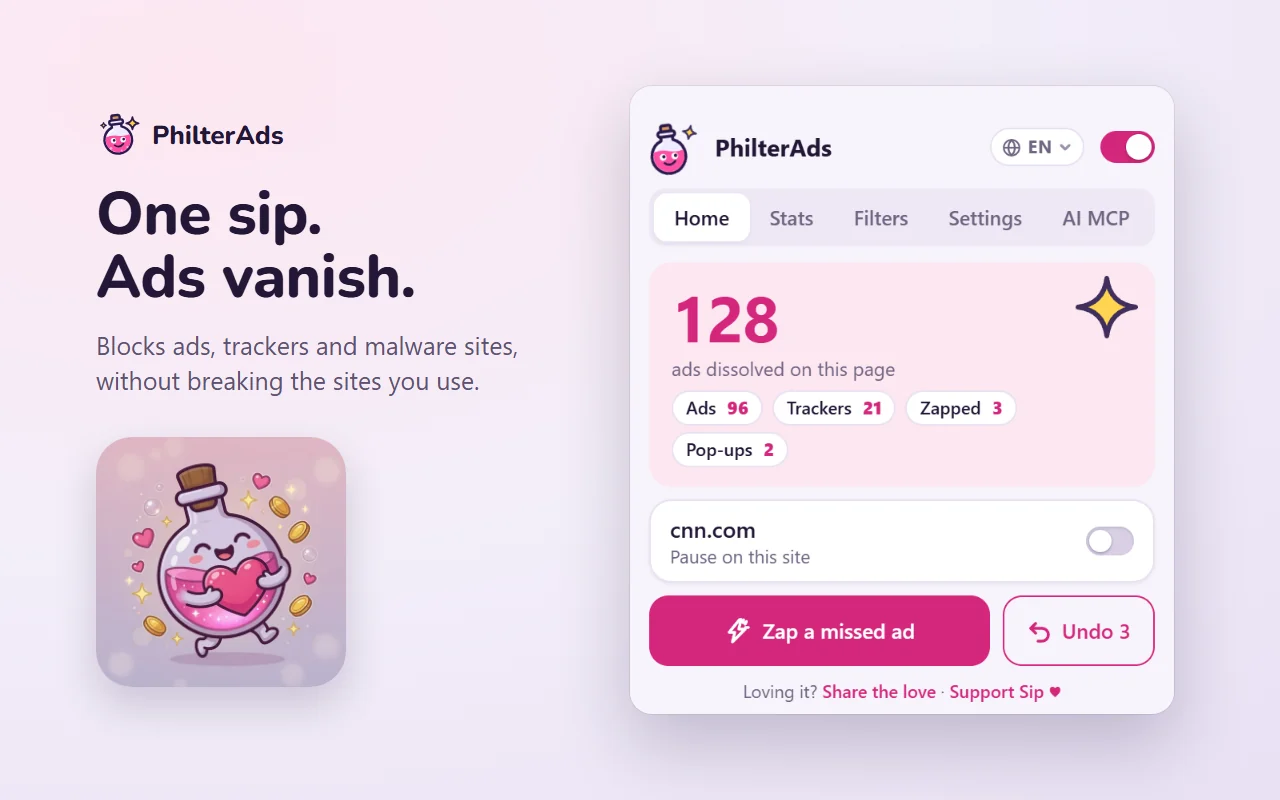
PhilterAds blocks ads, pop-ups, trackers and malware sites, removes YouTube ads before they play, and never breaks your logins. We never let ads through for money. Nothing about you is collected.
Free and open source. Now on Edge Add-ons. The Chrome Web Store listing is in review.

PhilterAds is free and runs on supporters: any amount once, or from $3 USD a month.
Our mission
Ads and trackers shouldn't decide what you see, or what's known about you. Sip blocks what harms you, never breaks what you need, and works for you, not for advertisers. Always free.
Logins, payments and captchas are protected by an allow-list that outranks every blocking rule, and our tests prove it on every build.
Some ad blockers let "acceptable" ads through when advertisers pay. We never will.
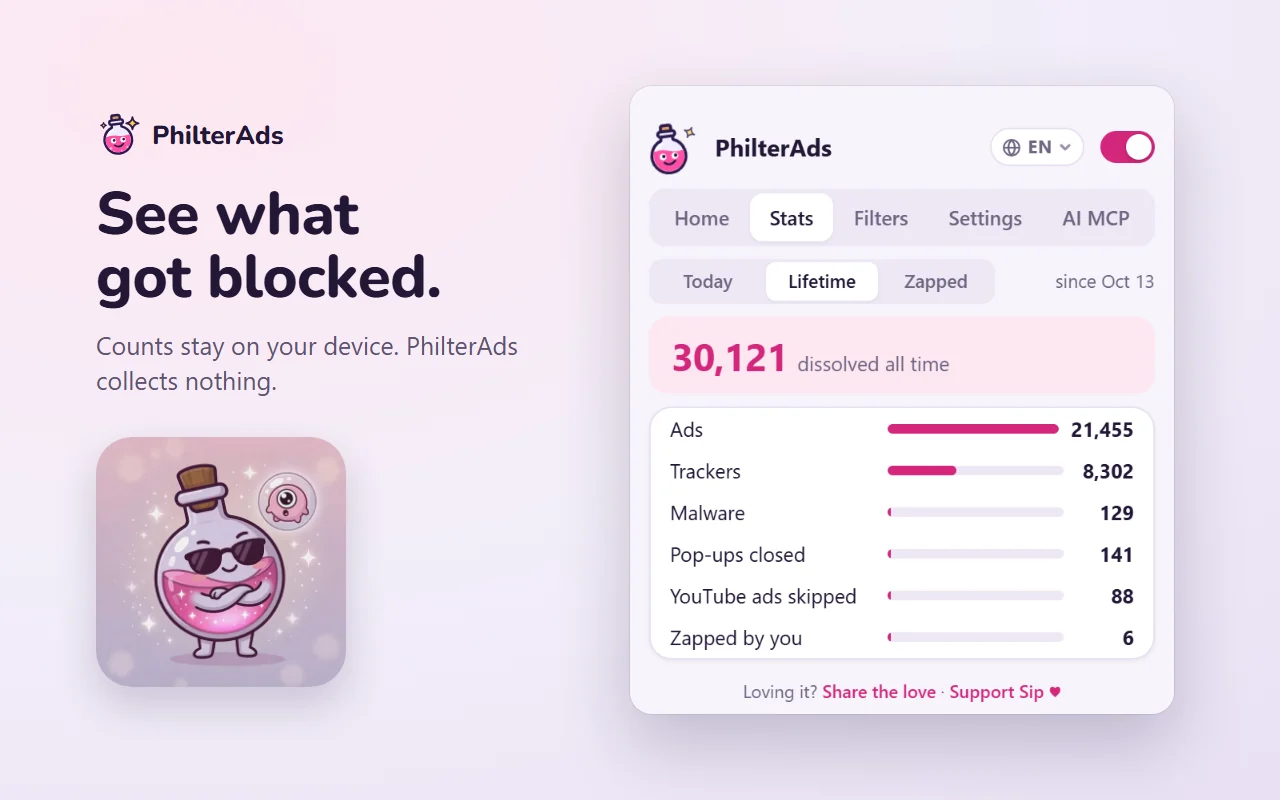
No telemetry, no account, no remote code. The only network requests are the page's own.
Features

The player's ad data is removed before the player reads it. If anything slips through, Sip mutes it, skips to the end and clicks Skip for you. No countdown, no waiting.

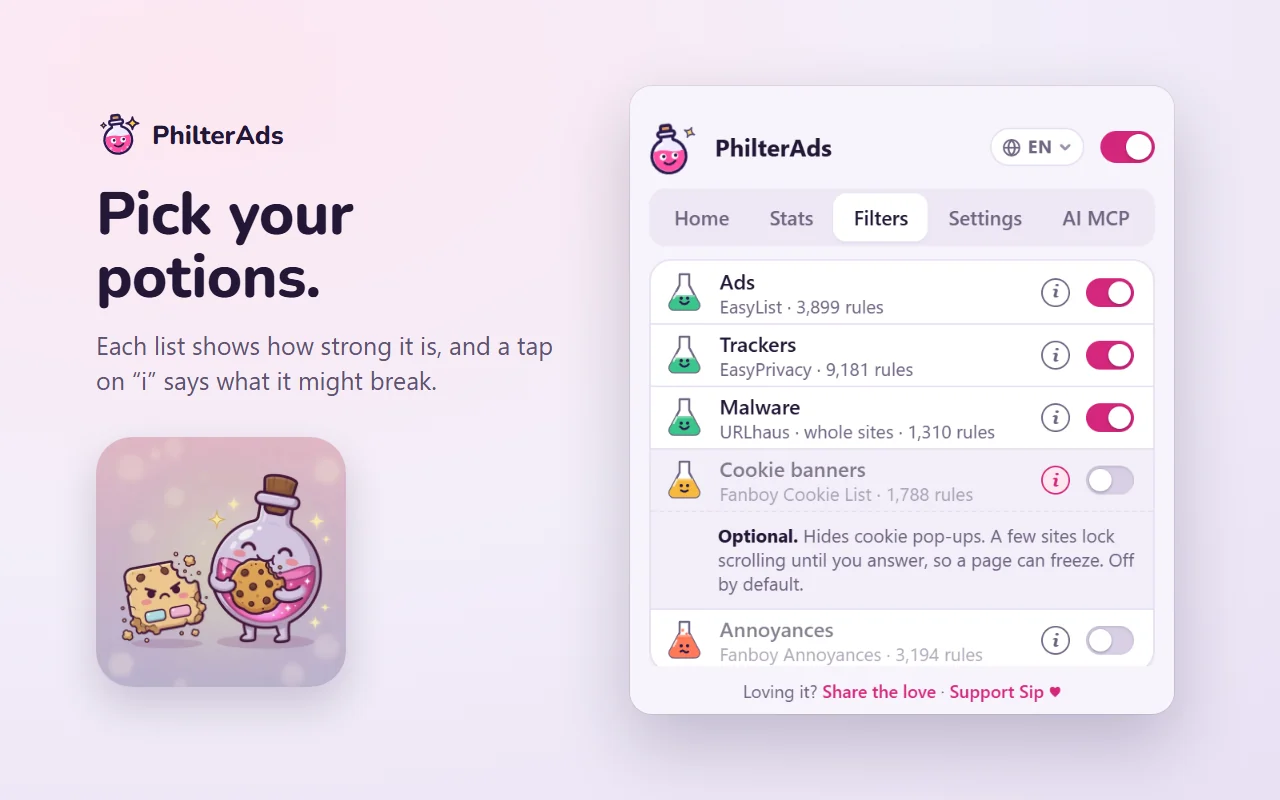
Six filter lists, including EasyPrivacy and the URLhaus malware list, refreshed every week. Sneaky trackers get bubbled, known malware domains never load at all, and pop-up ad tabs are closed the moment they open.

Turn on the Cookie banners list and the consent walls crumble. It's off by default, because hiding the wrong thing is worse than seeing a banner, and it's one tap to change.

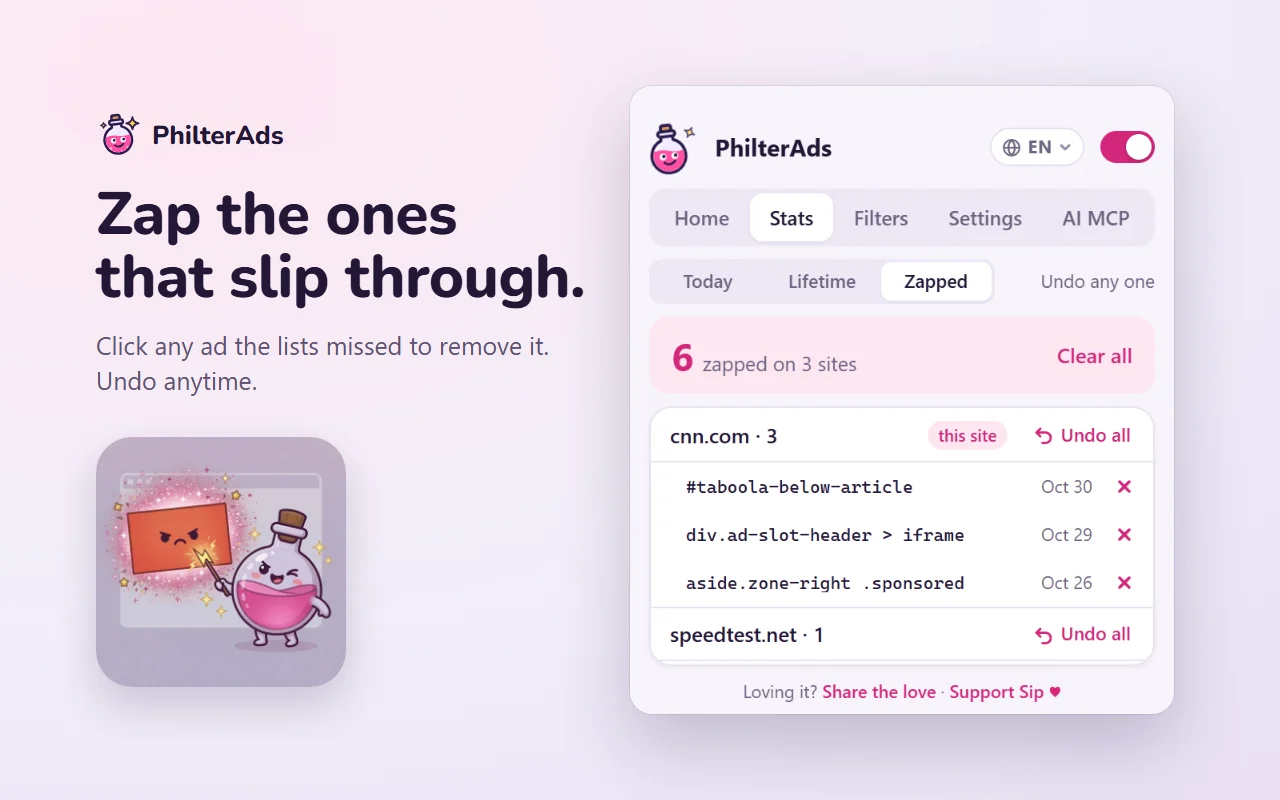
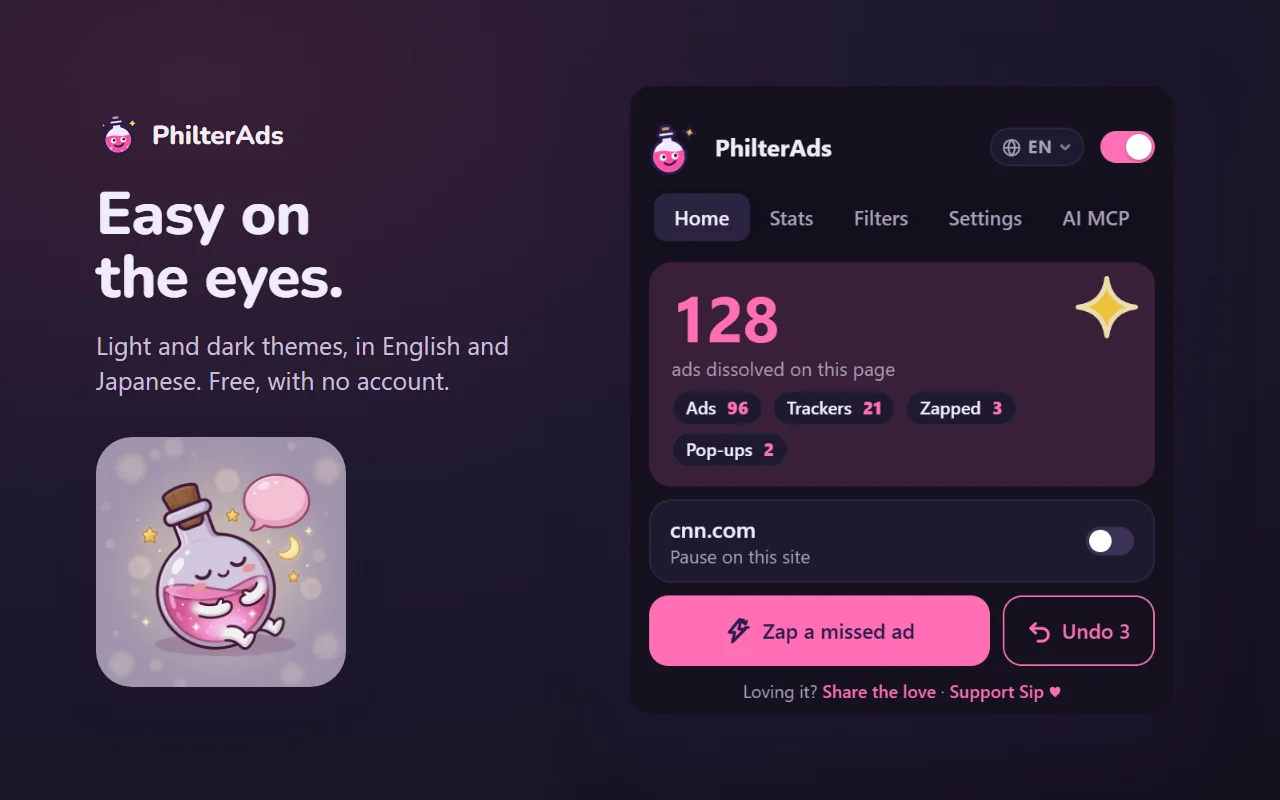
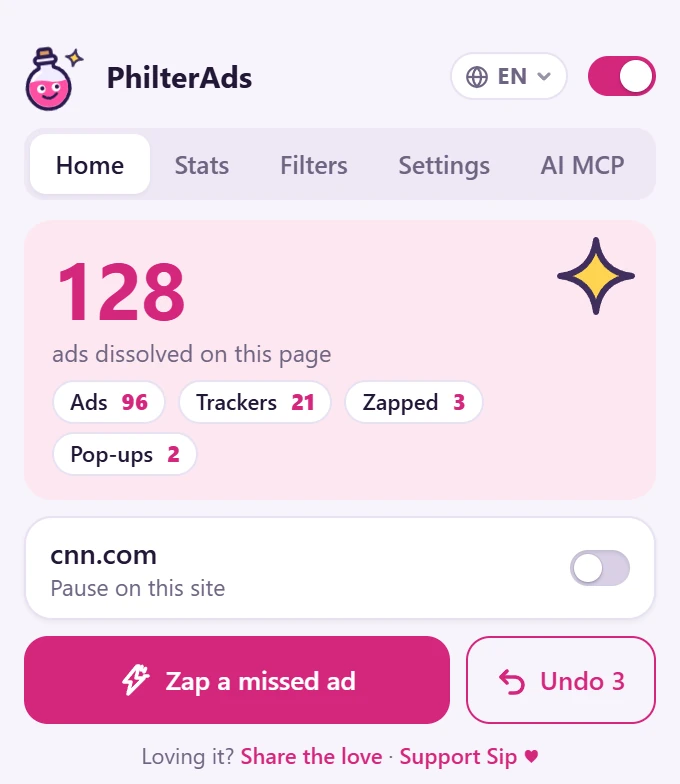
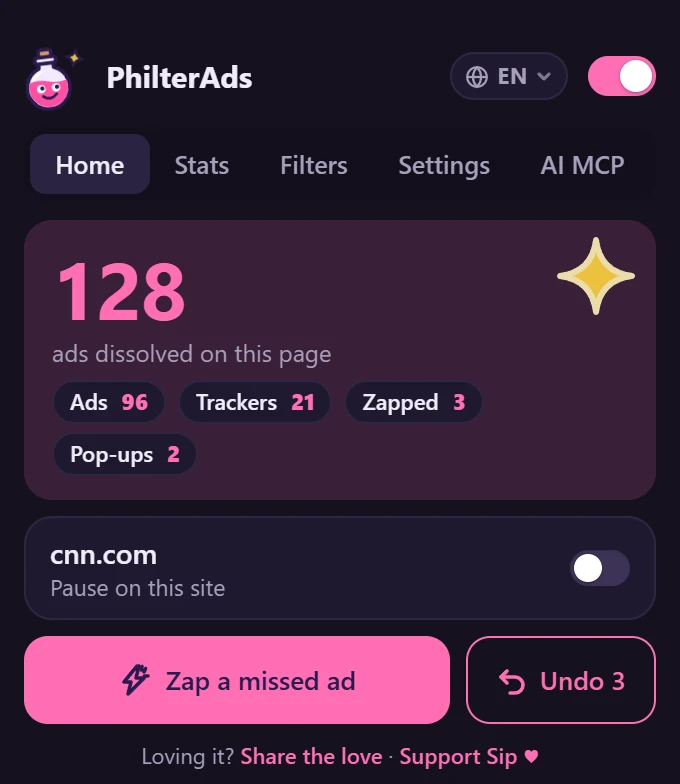
One toggle pauses PhilterAds on just that site, and the master switch sends Sip to sleep everywhere. Both are reversible from the same spot.
PhilterAds is free and runs on supporters: any amount once, or from $3 USD a month.
Install
On Edge, PhilterAds installs from Edge Add-ons in one click. The Chrome Web Store listing is in review. Until it goes live, Chrome users can install the same build straight from our GitHub releases.

Also works in Brave, Vivaldi and Arc.
Extract it into a folder you'll keep, such as Documents\PhilterAds. The browser runs PhilterAds from that folder, so don't delete it.
Paste this into the address bar: chrome://extensionsIn Edge, use edge://extensions. Brave and Vivaldi work the same way.
It's a switch at the top right in Chrome, and in the left sidebar in Edge.
Click Load unpacked and pick the folder that has manifest.json in it. Then pin Sip from the puzzle-piece menu.
Updating. Download the new zip, unzip it over the same folder, then press the reload arrow on the PhilterAds card. Your settings and zapped ads stay. Once the store listings are live, updates happen on their own.
Why there's no .exe installer. Chrome and Edge only accept extensions from their stores or through Developer mode. Installers that push an extension in behind the browser's back are how adware works, so we won't ship one.
Roadmap
Out now
Up next
Later
Want something on this list? Tell us at contact@philterads.com.

Become a supporter
Hi, I'm Sip. I block ads for free, never let anyone pay to get through, and collect nothing about you. People like you keep me brewing.
Goal: 30 monthly supporters. Enough to cover the bills and fund one dedicated week a month of blocker maintenance.
Support opens soon.
Prefer GitHub? Sponsor us on GitHub Sponsors.
Weekly malware and scam blocking, and fast fixes when ad networks change their tricks.
Testing on real sites, so logins, payments and video players keep working.
The boring bills: domains, the Chrome Web Store, code signing, security reviews.
AI control ("fix this broken site"), then more browsers and more languages (日本語 first).
We'll post where the money went, in plain words, so you can see it working.
Whether you give $1 once or support every month, Sip notices, and so do we. Drink up. Ads vanish.
FAQ
Yes, and it stays free. No premium tier changes what gets blocked. If you want to help, sponsoring is optional and buys you a thank-you, not a feature.
Nothing. PhilterAds has no account, no analytics and no remote code; the only network requests are the page's own. This website is the same: no cookies, no analytics. The only things it stores in your browser are your language and theme choices. Full privacy page.
Banning accounts for using an ad blocker is not something YouTube is known to do. What YouTube does do, sometimes, is show a notice that ad blockers are against its terms, or slow playback for people it detects. PhilterAds is built to avoid triggering those. If you ever see one, pause PhilterAds on youtube.com, reload, and tell us on GitHub. Using an ad blocker is your choice; what YouTube allows is up to YouTube.
Yes. PhilterAds is a pop-up blocker as well as an ad blocker. When a page tries to open an ad or scam pop-up in a new tab, Sip closes it straight away, using the pop-up rules from EasyList. Tabs you open yourself, and new tabs on the same site (like a login or payment window), are never touched.
It's built not to. The project's first rule is "never break a site": a protected allow-list covers sign-in, payment and captcha services, and every build is tested against it. If something still looks wrong, pause PhilterAds on that site from the popup and reload. If that fixes it, report the site and we'll fix the rule.
Because "we never let ads through for money" only means something if you can check. The code is GPLv3 and public on GitHub, the filter lists are credited, and pull requests that add tracking get closed.
Chrome and Edge first, built on Manifest V3. Brave, Vivaldi and Arc install it from the Chrome Web Store too. Firefox (desktop and Android) comes next, then Opera, with Safari later.
Chrome's declarativeNetRequest, with rules built from EasyList, EasyPrivacy and the URLhaus malware list, plus Fanboy's cookie and annoyance lists you can turn on. Lists are refreshed every week.
Free. Open source. On your side.
Free and open source. Now on Edge Add-ons. The Chrome Web Store listing is in review.